
This article will walk you through how to select Wells to display in a group.
Permission Requirements: User must have Group Modify permissions to the applicable group to be able to add Devices or Wells to a group.
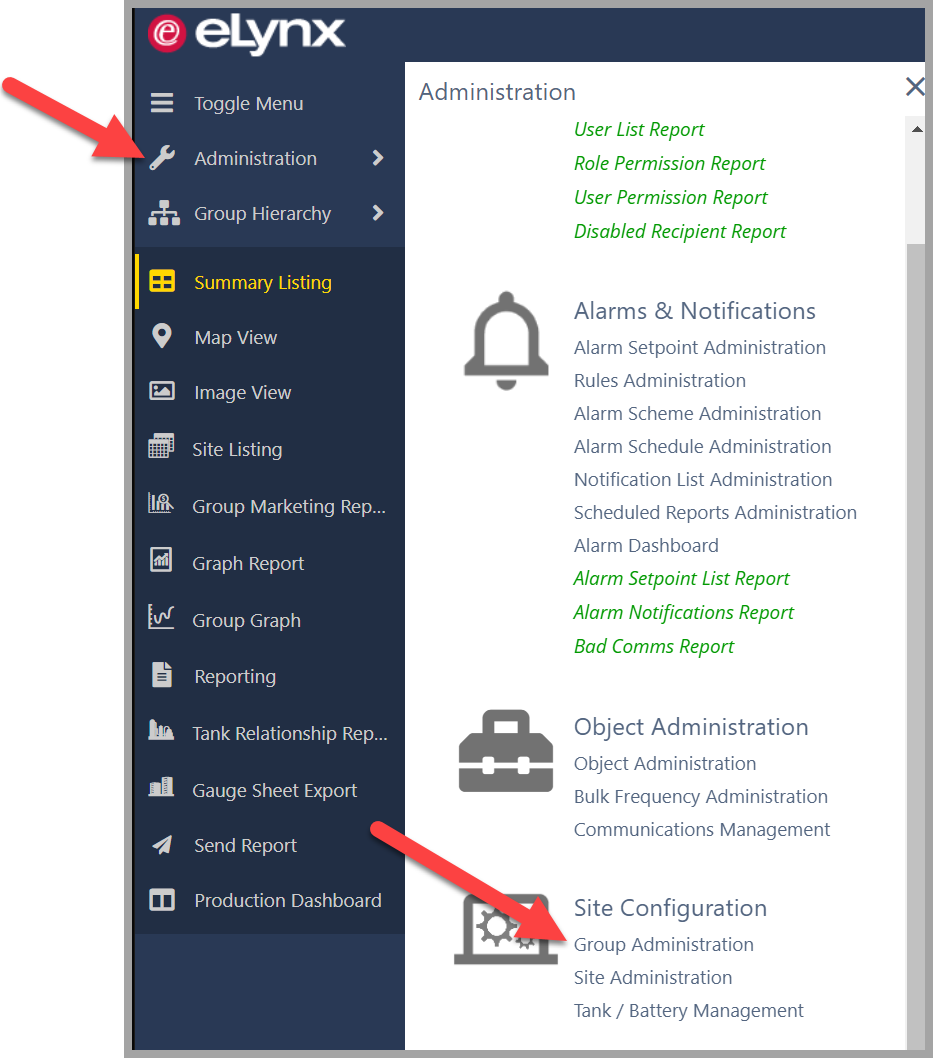
Open the Administration tools from the Menu on the left border and select Group Administration
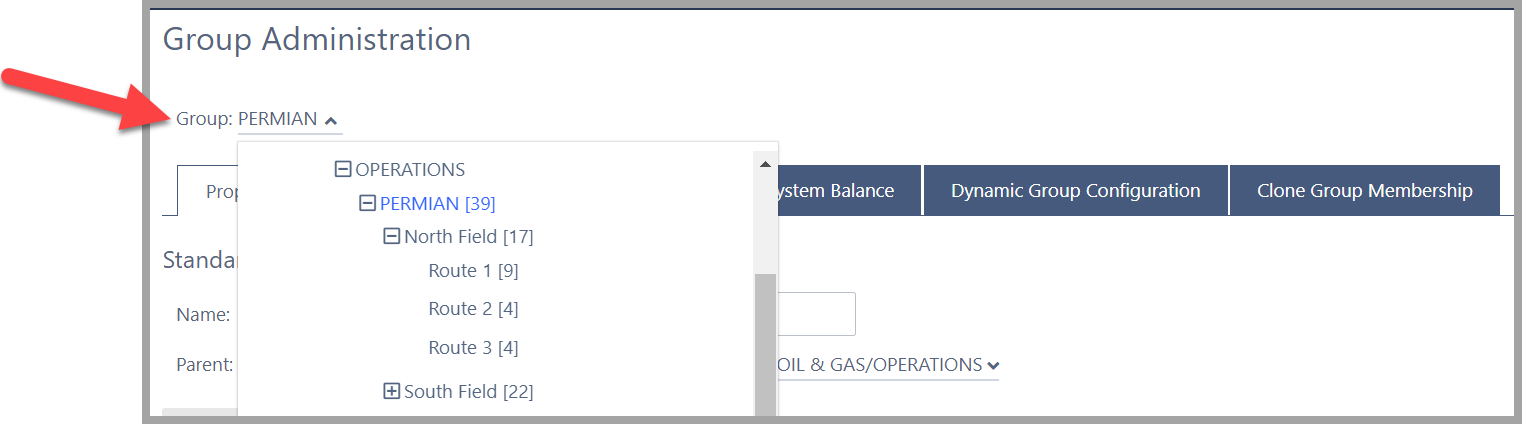
Select the desired group from the dropdown
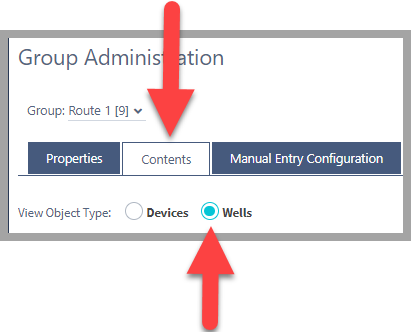
Click the Contents Tab and select Wells option for View Object Type
Check the desired Wells to be in the group
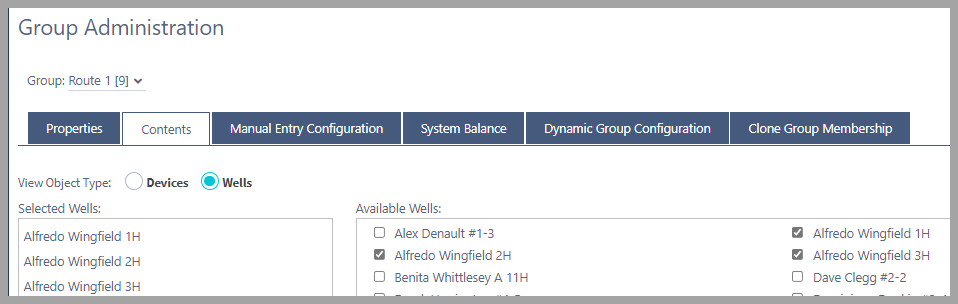
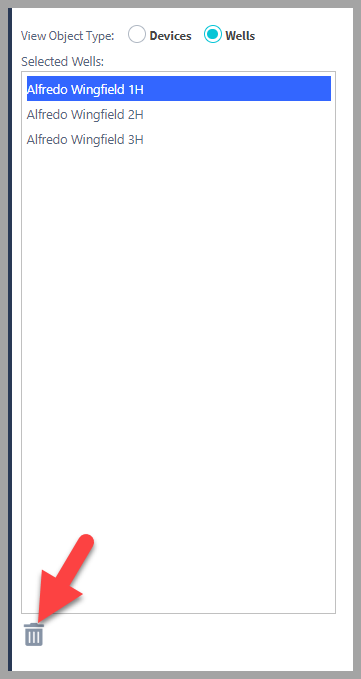
*Un-Check Well Objects to remove them from the group or Select them from the list and remove
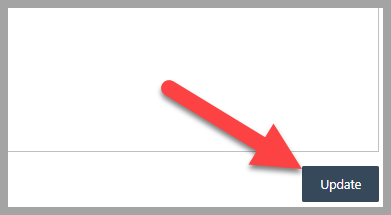
Click on Update to save your changes
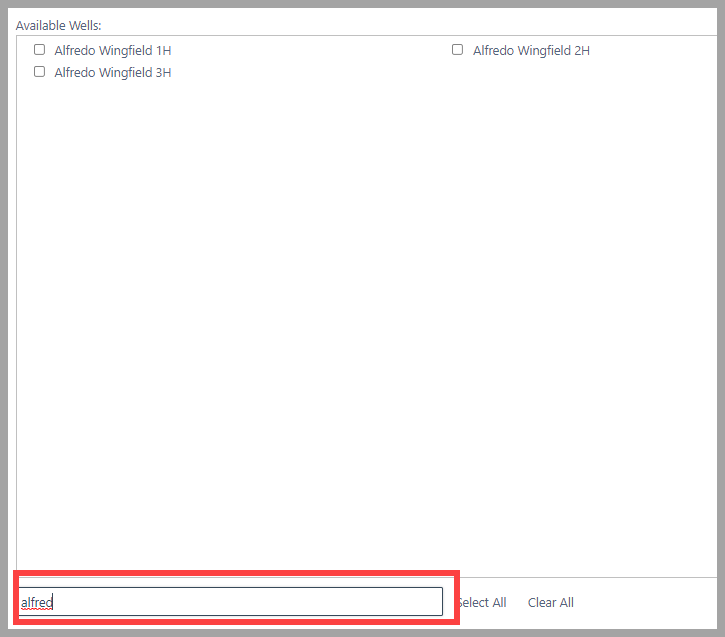
*Pro Tip: When working with large groups, use the Filter tool to find objects
Comments
0 comments
Article is closed for comments.